Sending Messages to the Parcel Team
2 min readApril 12, 2026
messagescommunicationchatsupport
Portal messaging
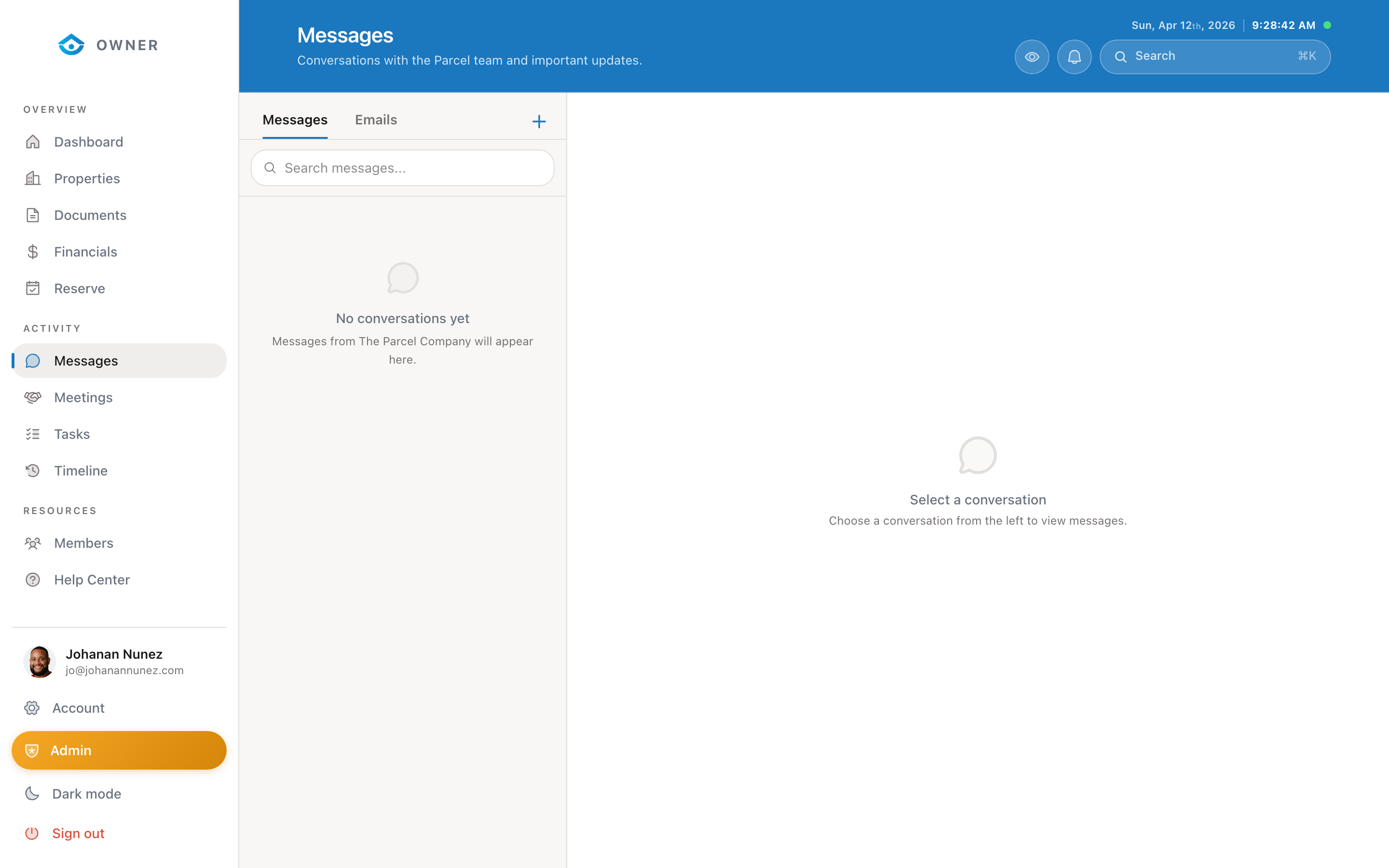
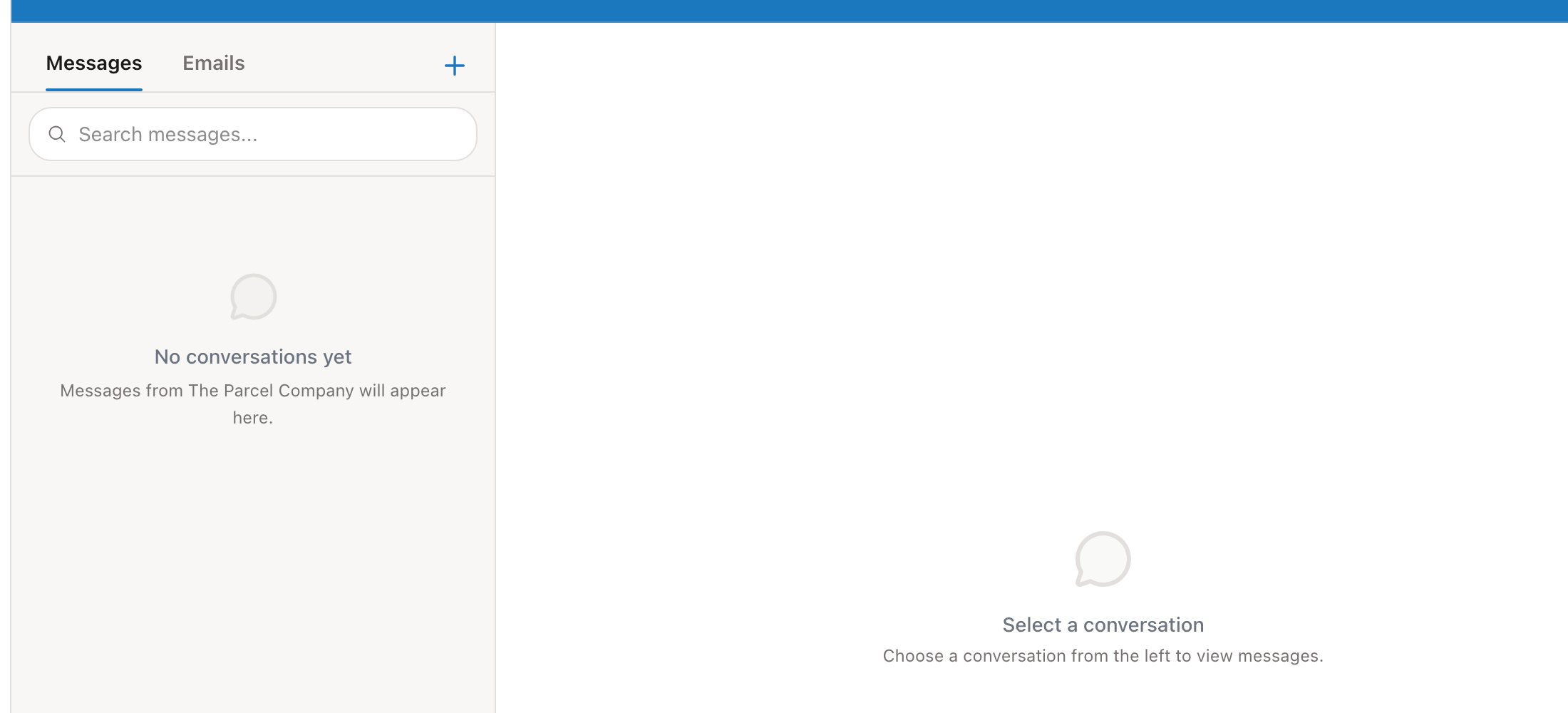
The Messages section is your direct line to the Parcel team. Use it for questions, requests, updates, or anything related to your property.
Sending a message
1. Go to Messages in the sidebar 2. Click New Message (or continue an existing conversation) 3. Type your message in the text editor 4. Use the formatting toolbar for bold, italic, lists, or links 5. Click Send
Rich text editor
The message editor supports:
- Bold and italic text
- Bulleted and numbered lists
- Links
- Images (drag and drop or paste)
Response times
We typically respond within a few hours during business days. For urgent matters, mention "urgent" in your message and we will prioritize it.
When to use messages vs. email
- Use portal messages for anything related to your property, bookings, or account. Messages are tracked and linked to your property history.
- Use email (hello@theparcelco.com) only if you cannot access the portal.
Message history
All messages are saved and searchable. Scroll through your conversation history or use the search function to find specific topics.
Was this helpful?