Managing Property Settings
2 min readApril 12, 2026
propertiessettingsconfiguration
Property settings
Each property has its own settings that control how it operates within the Parcel platform.
Accessing settings
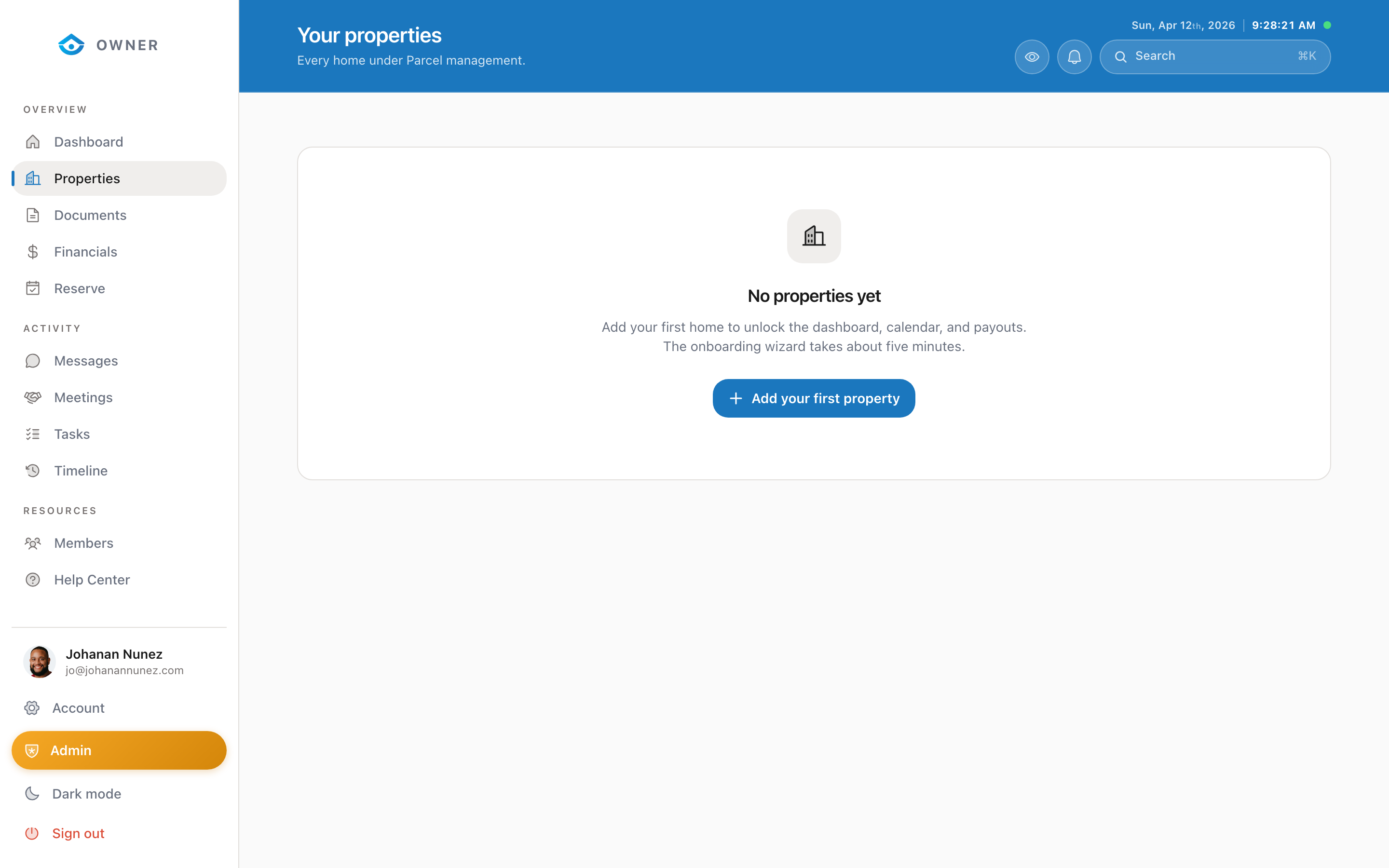
1. Go to Properties 2. Click on the property you want to configure 3. Click the gear icon in the property header
Available settings
- Property name: A friendly name for your property (e.g., "Beach House" or "Downtown Condo")
- Listing preferences: How the property appears on booking platforms
- Cleaning instructions: Special notes for the cleaning team
- Check-in/check-out times: Standard times for guest arrivals and departures
Updating settings
Some settings can be updated directly from the settings panel. Others, like address changes or major listing updates, require coordination with the Parcel team.
To request changes: 1. Open Messages in the sidebar 2. Start a new conversation 3. Describe what you would like to change 4. Our team will review and implement the update
Was this helpful?