Property Status Explained
Property statuses
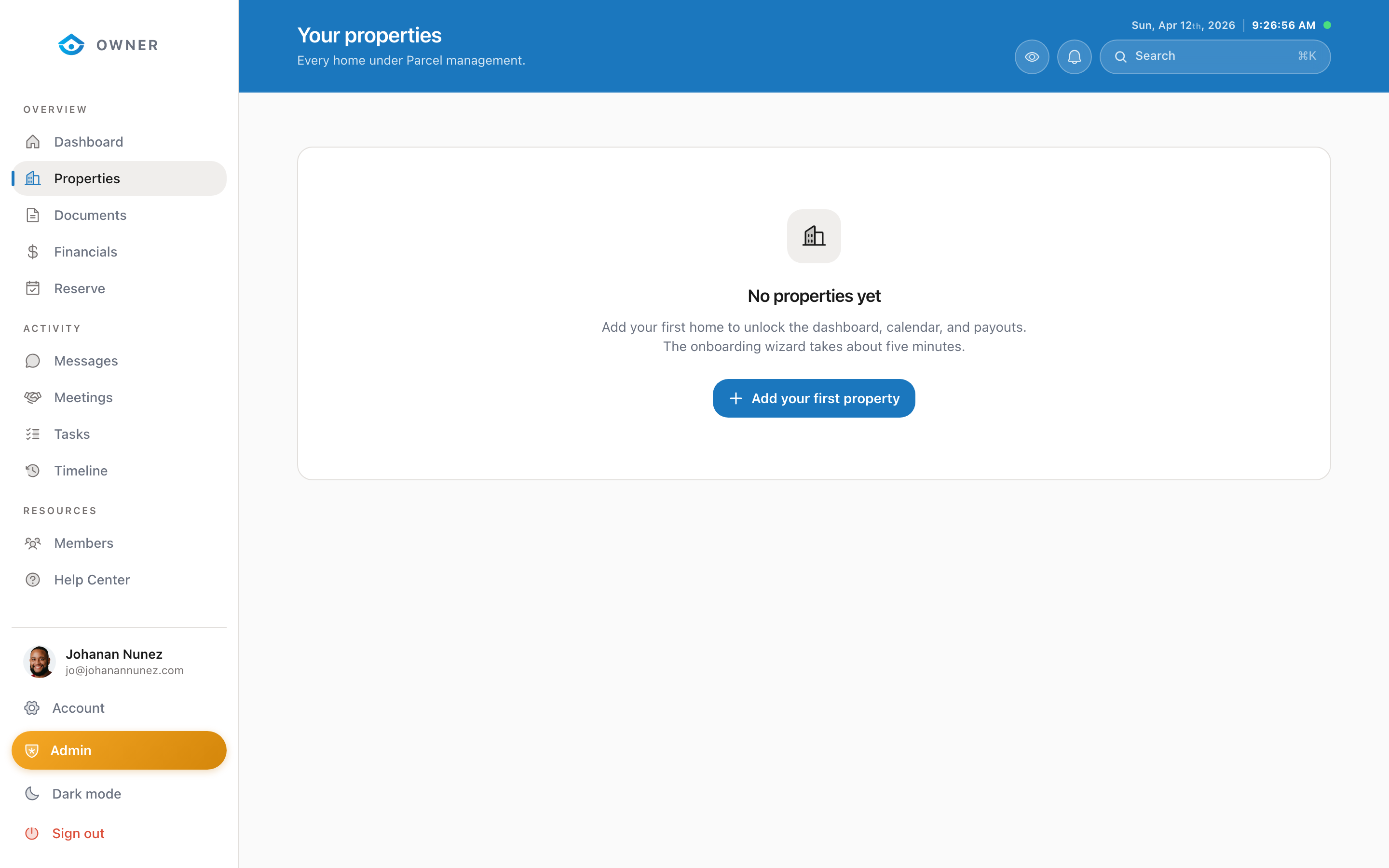
Each property in your portfolio has a status that determines its visibility and availability.
Active
Your property is live on all booking platforms. Guests can discover and book it. This is the normal operating state.
Onboarding
You have started the setup wizard but have not completed all required steps. Complete the remaining steps in the Setup section to move to Active status.
Paused
The property is temporarily not accepting new bookings. Existing confirmed bookings will still be honored. Use this when you need a break or are making renovations.
To pause a property: Contact the Parcel team through Messages with your request and the dates you would like to pause.
Inactive
The property has been fully deactivated. It is not visible to guests and cannot receive bookings. This is used when a property is permanently removed from the program or undergoing a long-term hold.
How status changes work
Status changes are managed by the Parcel team to ensure a smooth transition. For example, when pausing a property, we check for upcoming bookings and coordinate any necessary guest communications before changing the status.