How to Block Dates for Personal Use
3 min readApril 12, 2026
blockdatesreservepersonal-use
Blocking dates
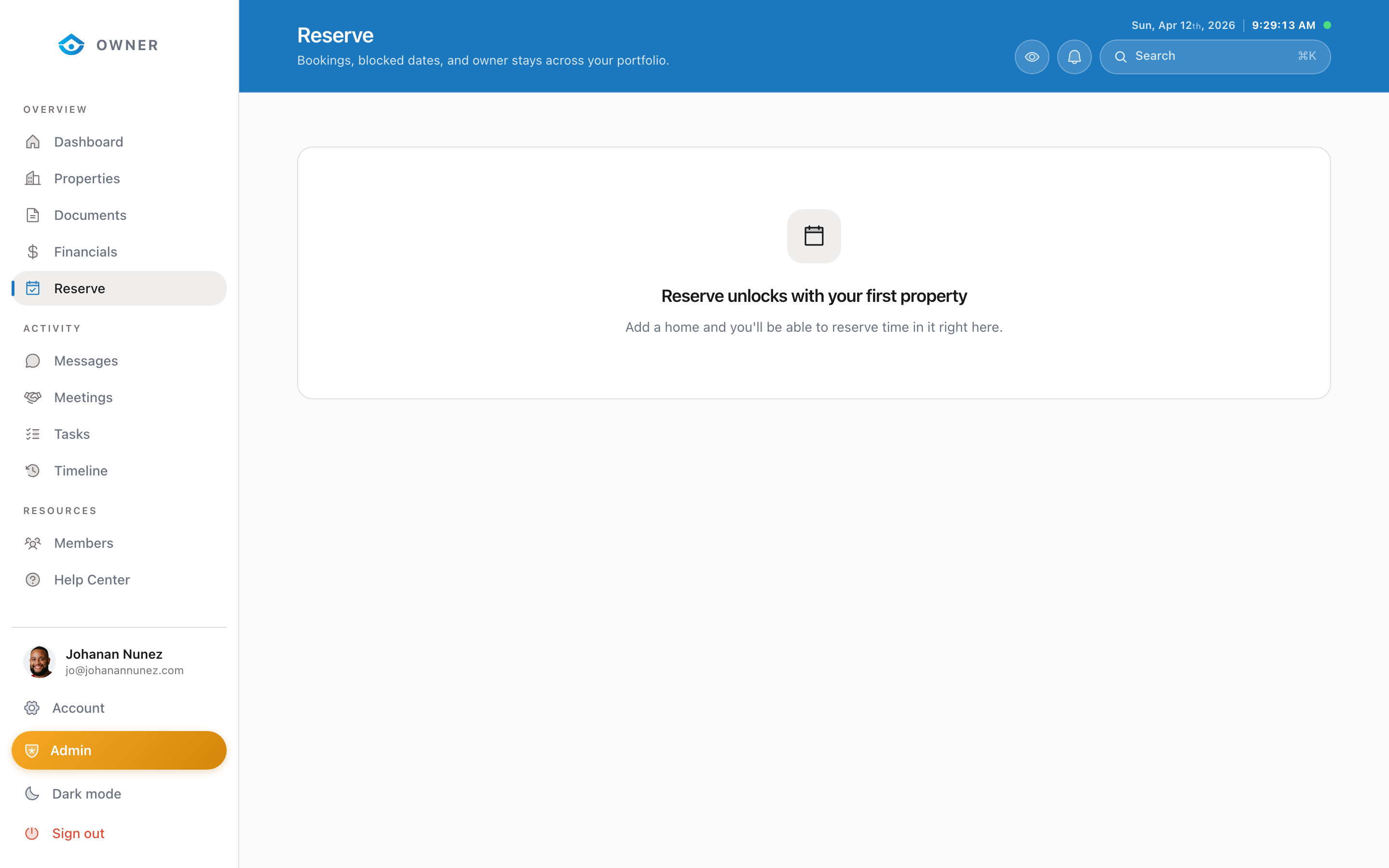
As a property owner, you can reserve dates at your own property for personal use. We call these "owner reservations" or "block requests."
How to submit a block request
1. Go to Reserve in the sidebar 2. Click New Reservation 3. Select the property (if you have multiple) 4. Choose your check-in and check-out dates 5. Add an optional note (e.g., "Family reunion" or "Home maintenance") 6. Click Submit Request
Approval process
Block requests are reviewed by the Parcel team to ensure there are no booking conflicts. You will receive a notification when your request is approved or if there is a conflict.
Typical approval time: Within 24 hours on business days.
Important notes
- Advance notice: We recommend submitting block requests at least 2 weeks in advance to avoid conflicts with guest bookings
- Existing bookings: If a guest already has a confirmed booking during your requested dates, we cannot block those dates without cancelling the guest (which may incur penalties)
- Cleaning: A turnover clean will be scheduled before your stay if a guest was there before you, and after your stay before the next guest
- No charges: You are not charged for staying at your own property, but blocked dates mean no rental income for those nights
Viewing your reservations
All your current and past block requests are visible on the Reserve page, including their status (pending, approved, or declined).
Was this helpful?