Adding Team Members
2 min readApril 12, 2026
membersteamco-ownersaccess
Adding members
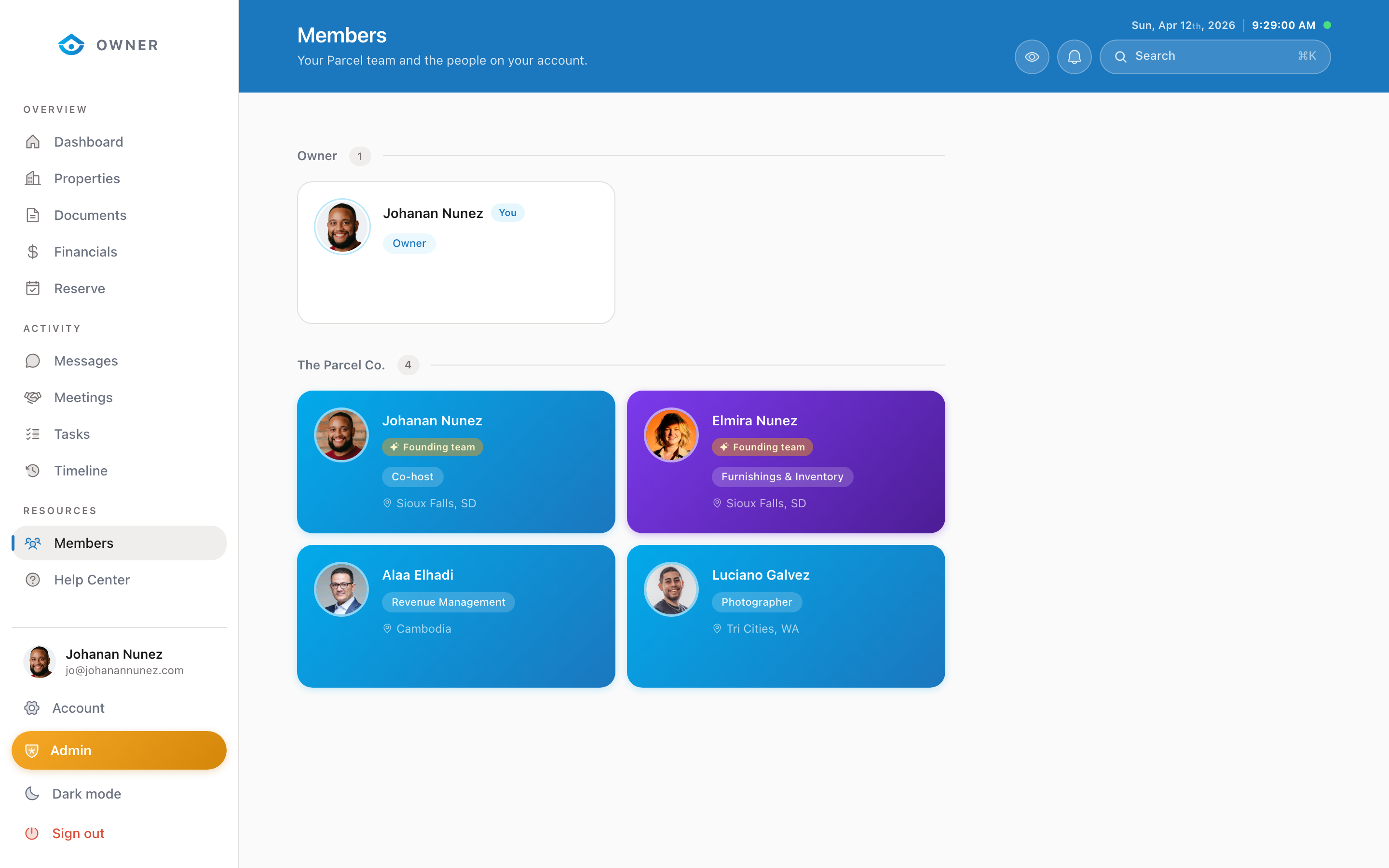
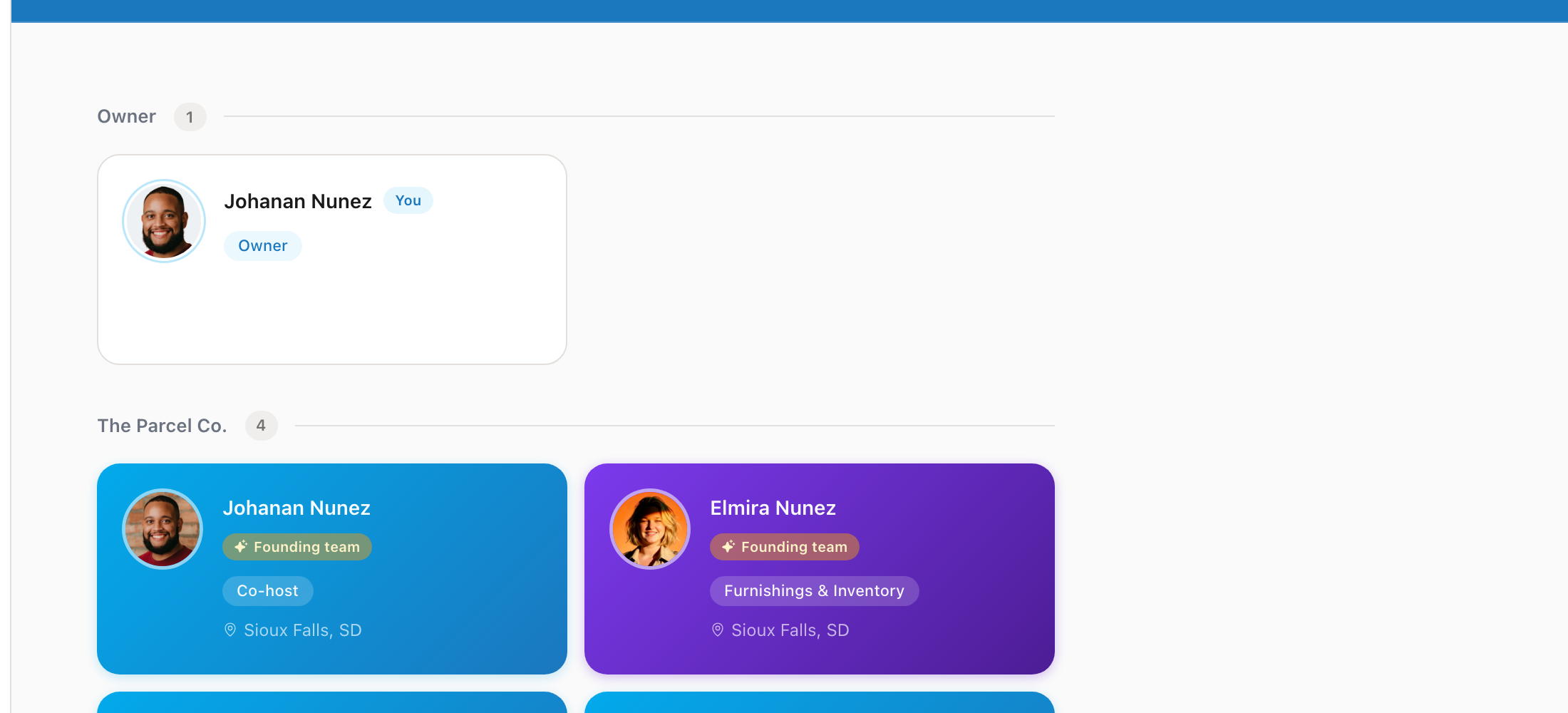
If your property is owned by a business entity (LLC, partnership, trust), you can add other members to share access to the portal.
How to request a new member
1. Go to Members in the sidebar 2. Contact the Parcel team through Messages with: - The new member's full name - Their email address - What access level they should have
What new members can do
All entity members can:
- View properties owned by the entity
- See financial reports and payouts
- Access messages and documents
- View tasks and timeline
Member accounts
Each member gets their own separate login. They will: 1. Receive an invitation email 2. Create their account using the signup flow 3. Be linked to your entity by the Parcel team
Removing members
To remove a member from your entity, send a message to the Parcel team. Their individual account will remain but they will no longer have access to your entity's properties and data.
Was this helpful?