Inviting Co-Owners
2 min readApril 12, 2026
co-ownersinvitepartnerspouse
Inviting a co-owner
If you own a property with a partner, spouse, or business partner, you can invite them to your entity so they have portal access.
Steps
1. Open Messages in the sidebar 2. Send a message to the Parcel team with: - Co-owner's full name - Co-owner's email address - Your relationship (spouse, business partner, etc.) 3. We will send them an invitation to create their account 4. Once they sign up, we link them to your entity
What the co-owner gets
- Their own login credentials
- Access to all properties under your entity
- Ability to view financials, messages, documents, and tasks
- Their own notification preferences
What they do not get (by default)
- Authority to sign agreements (primary contact only)
- Ability to modify entity details
- Separate payout destinations (payouts go to the entity's account)
After they join
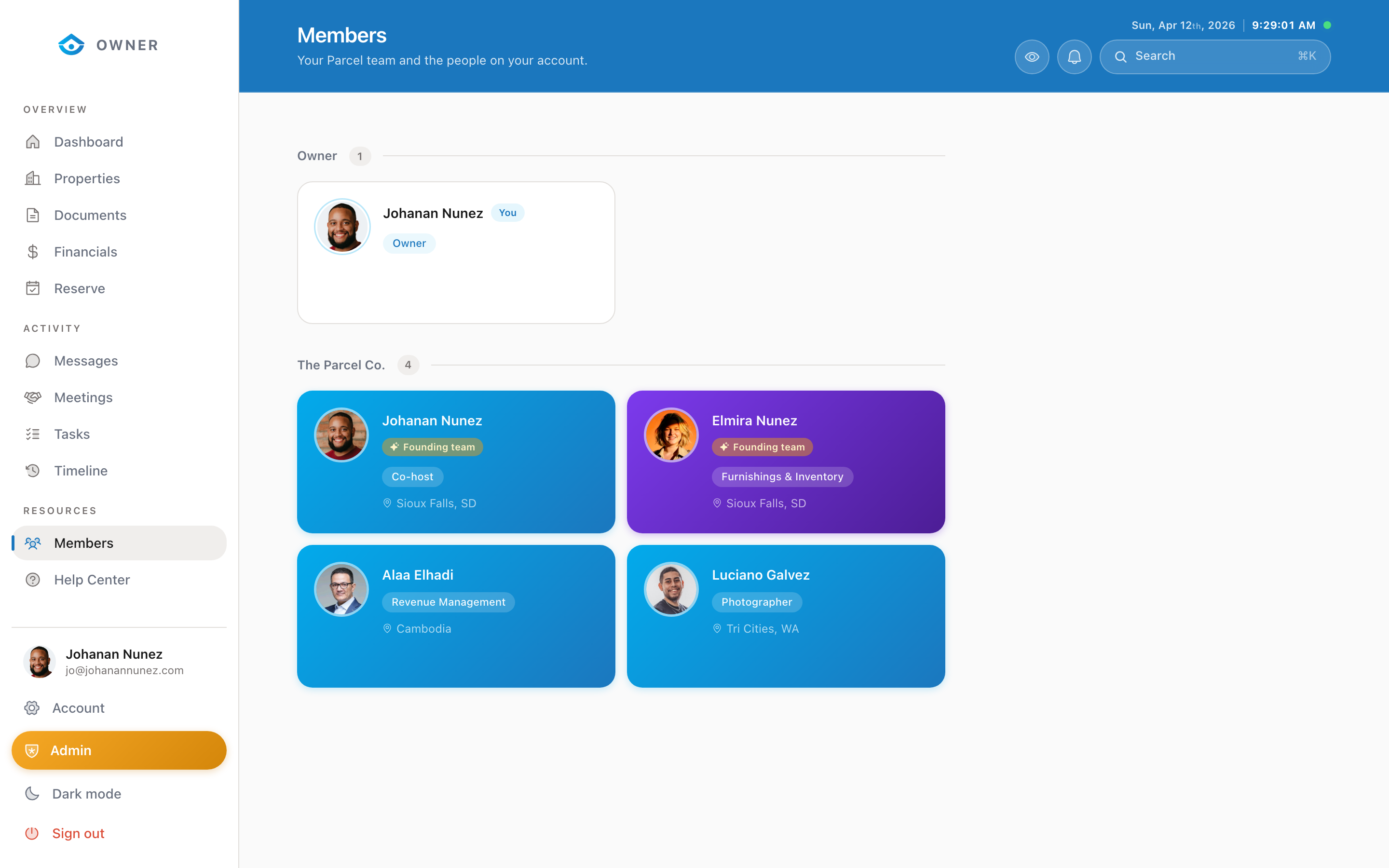
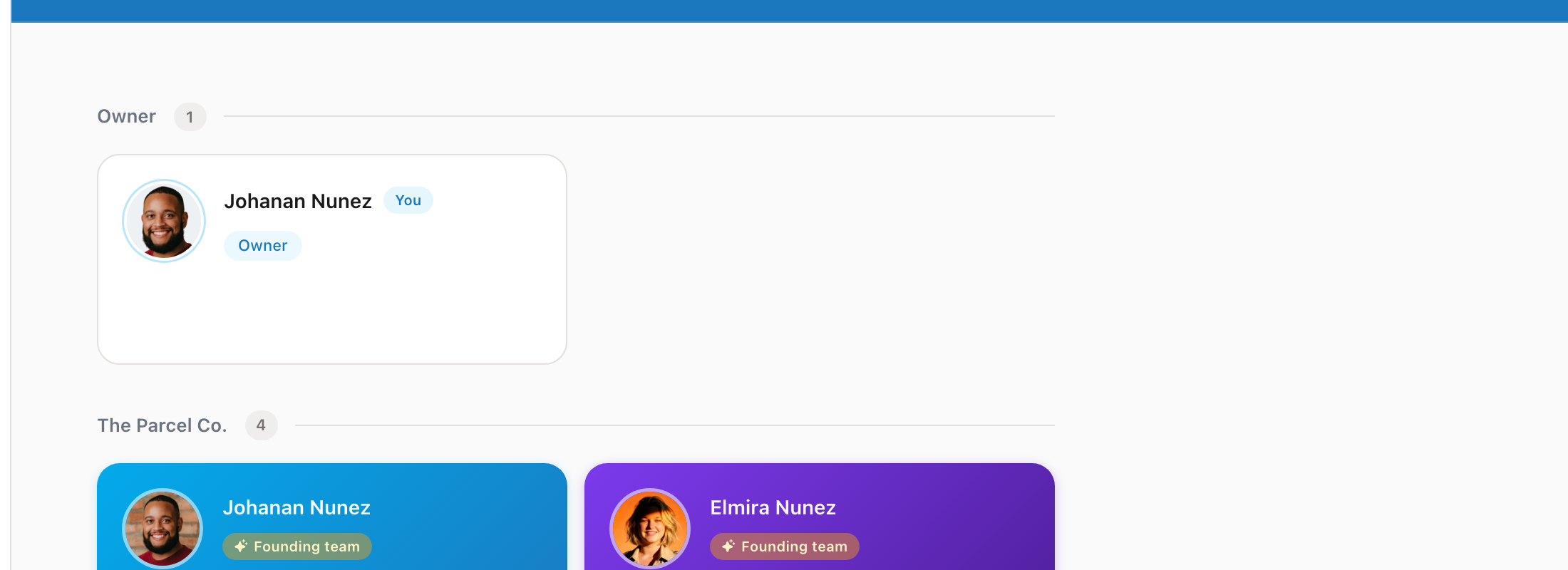
Both of you will see each other in the Members section. All messages, tasks, and activity are shared within the entity.
Was this helpful?