Managing Member Permissions
2 min readApril 12, 2026
permissionsaccessrolesmembers
Member access
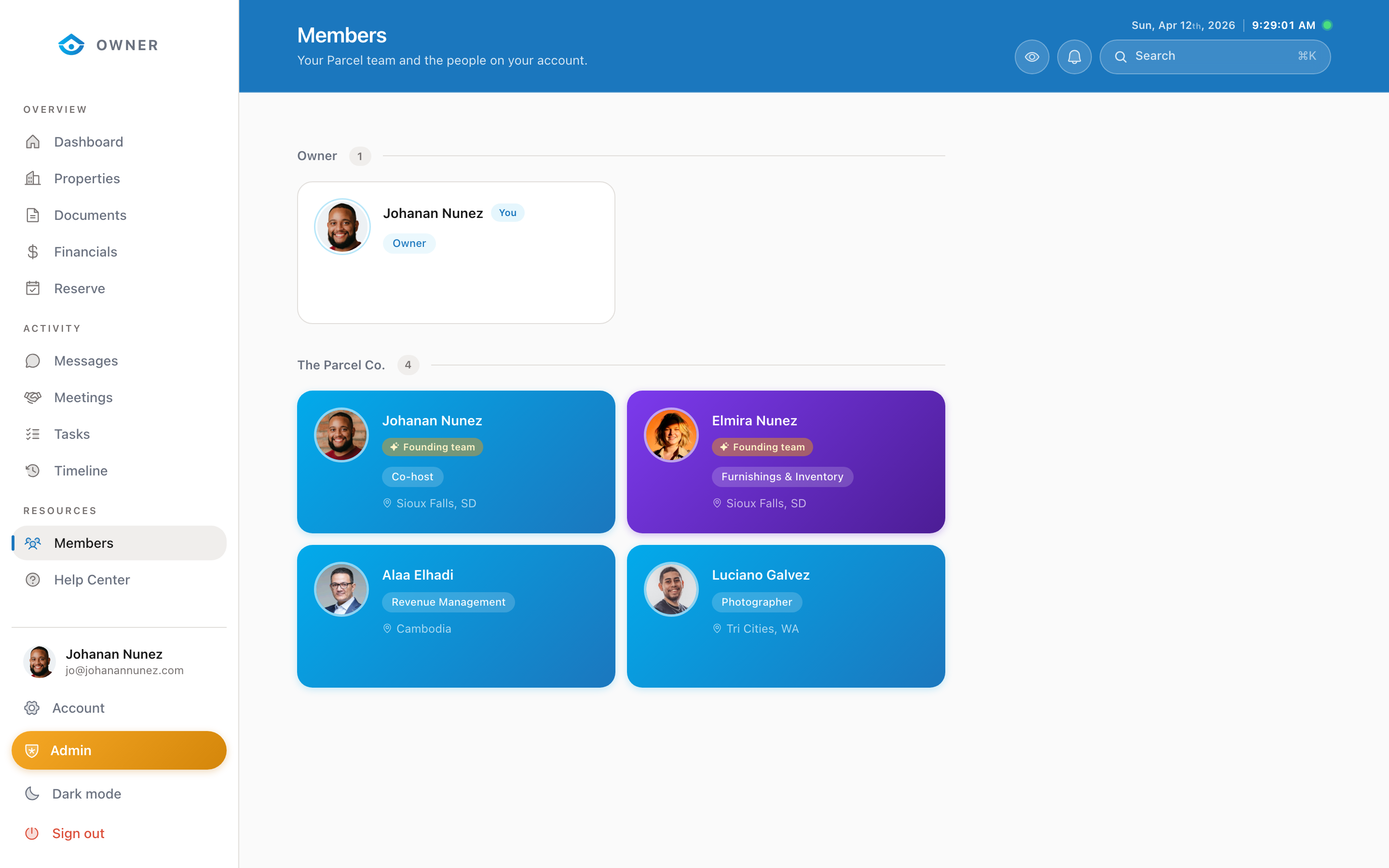
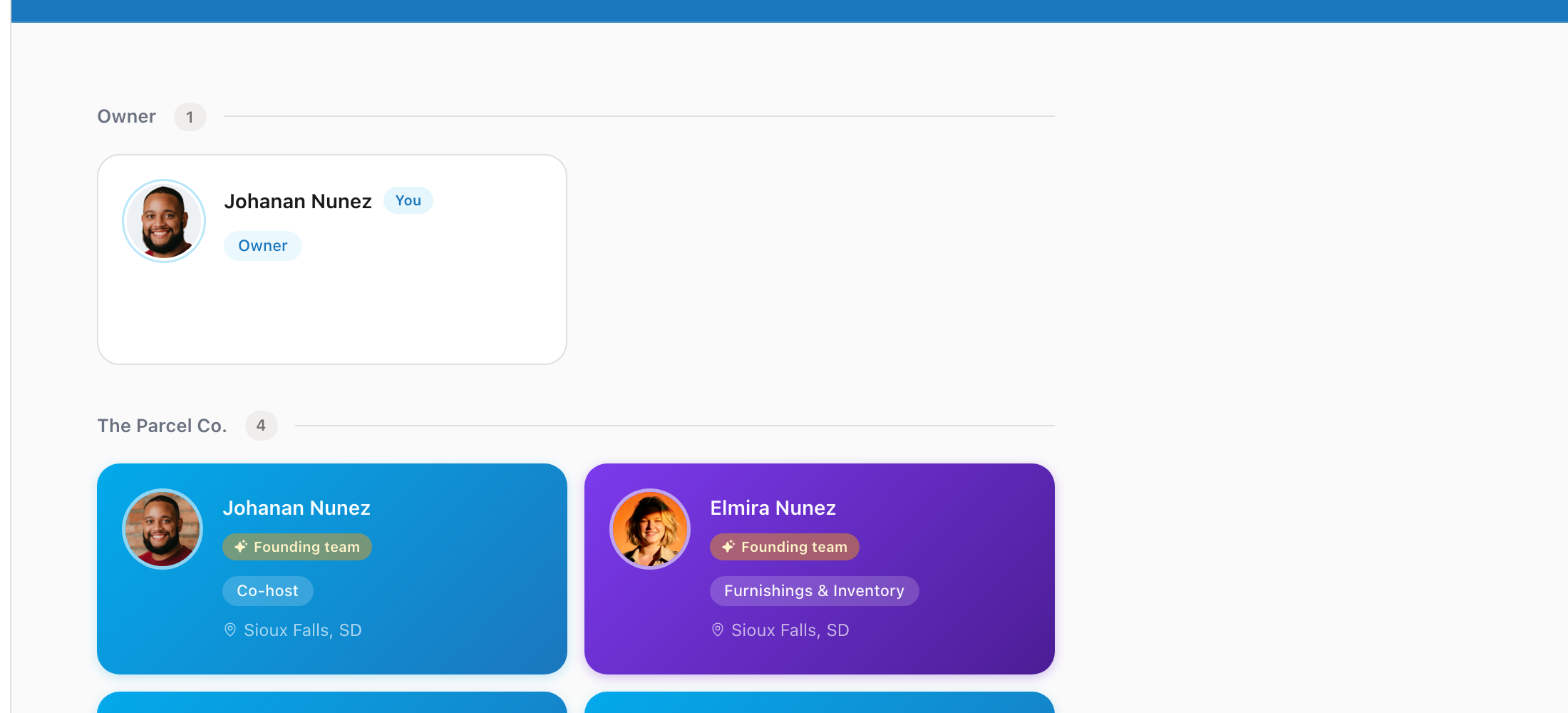
Currently, all members of an entity have equal access to entity data. There is no granular permission system.
What all members can access
- All properties linked to the entity
- Financial reports and payout history
- Messages and conversations
- Documents and agreements
- Tasks and timeline
- Calendar and reservations
What members cannot do
- Delete the entity or remove other members (admin-only)
- Change the entity's financial or tax information (admin-only)
- Sign agreements on behalf of the entity (primary contact only)
Primary contact
One member is designated as the primary contact for the entity. This person:
- Signs agreements and legal documents
- Receives tax documents (1099)
- Is the first point of contact for the Parcel team
Changing the primary contact
To change your entity's primary contact, send a message to the Parcel team with the request. Both the current and new primary contact may need to confirm.
Was this helpful?